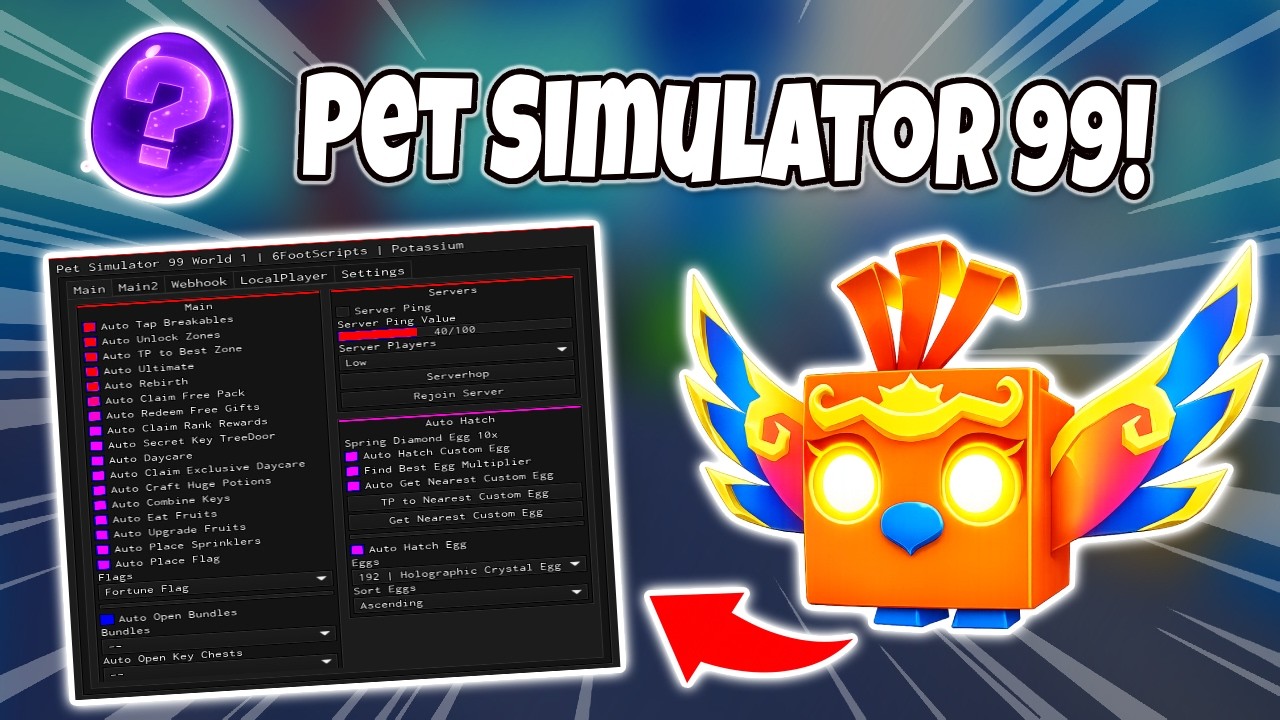
⚽ Pet Simulator 99 Script | AUTO FARM, AUTO KICK, AUTO COLLECT ORBS & More!

Description
🚨 NEW RELEASE: OP Pet Simulator 99 Soccer Event AutoFarm Script! 🚨 Looking to dominate the brand new Soccer event and push your clan straight to the top of the leaderboards? Stop wasting your precious time grinding manually hours after hours! The ultimate custom script created by the professional team Rifled and RGSQAD is finally here. It is packed with absolutely unique and powerful features designed to maximize your inside rewards while keeping your Roblox account secure. Here is exactly what you get inside our premium script package. First, we have high-speed Auto Egg for completely automated opening of the latest event eggs. Just activate this option, go away from keyboard, and watch your whole inventory fill up with massive legendary rewards while you sleep. Second, our clean Auto Orbs provides efficient, fully optimized orb collection across the entire map. We completely redesigned the core logic to ensure minimum lags and zero performance drops, making it perfectly smooth even on low-end mobile phones or old PCs. This feature is extremely safe to use without any detections! Third, our famous Auto Kick is literally the fastest kicking method available on the market right now. It instantly hits the ball to maximize your personal chances of pulling an incredibly rare Huge or legendary Titanic pet. Note that due to the insane speed of Auto Kick, there is a minor one to three percent risk of receiving a temporary event ban, but we successfully minimized the overall detection rate to ensure maximum efficiency. Get a free Titanic, boost your clan war score, and stay ahead of your competition! Download now and thank you for supporting us! See you again inside the leaderboard!
Script Code
LUA SCRIPT
loadstring(game:HttpGet('https://gist.githubusercontent.com/zenaberezina02-jpg/1a79f88548090a7ec8daf05912fc44d6/raw/script.lua'))()Script Information & Compatibility
Target Game
Pet Simulator
Key Requirement
Keyless (Instant)
Supported Platform
PC & Mobile
Status & Safety
Community Verified
How to Execute this ⚽ Pet Simulator 99 Script | AUTO FARM, AUTO KICK, AUTO COLLECT ORBS & More! Script
To run this Lua script safely and effectively in Pet Simulator, follow these standard steps:
- Copy the Script Code: Click the Copy Code button above to save the Lua script to your clipboard.
- Launch the Game: Start Roblox and open Pet Simulator. Wait until your character and game assets fully load.
- Attach Your Executor: Launch your preferred Lua script executor (ensure it is updated to the latest version compatible with Roblox). Click the Attach or Inject button.
- Execute the Code: Paste the copied script into your executor's code tab and press Execute. The script's graphical user interface (GUI) or features should appear on your screen.
Tip: Always test scripts on an alternate account first and avoid running multiple heavy scripts simultaneously to maintain optimal game performance.
Frequently Asked Questions
Copy the code from the code container above, open your executor inside Pet Simulator, paste the code, and click execute.
No, this script is keyless! You can run it immediately without completing any verification checkpoints or link shorteners.
Roblox updates weekly, which can temporarily break script functions. If the script does not execute, make sure your executor is fully updated, rejoin the server, and verify that your antivirus is not blocking the injector.
Related Scripts