Description
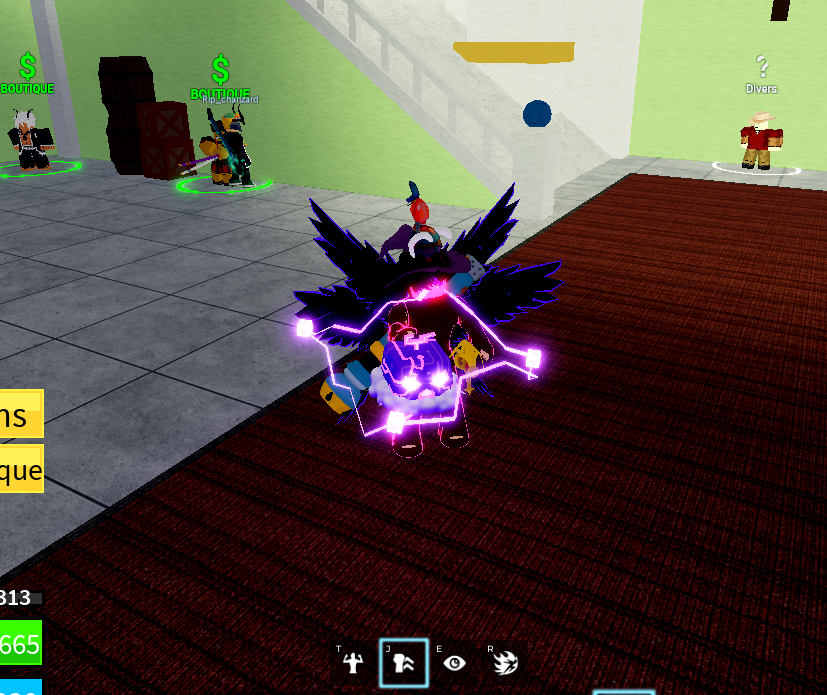
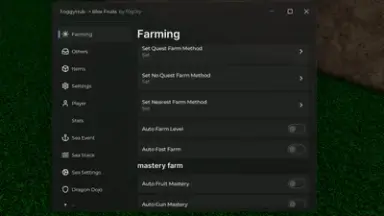
This powerful script transforms your Blox Fruits gameplay by automating the most time-consuming tasks. From farming levels and mastery to hunting bosses and collecting materials, it handles everything with precision and speed.
Enjoy over 100 features including auto quests, bone farming, sea event stacking, and fast attacks with aura. It supports all fighting styles, swords, guns, and even auto Haki activation so you never miss a beat in combat.
Farm chests, dragons, raids, and race V4 challenges hands-free with smart detection and teleportation. Auto buy and store fruits, get real-time notifications, and teleport to islands or NPCs in seconds.
Customize your experience with skill presets, ESP tracking, and walk on water for easy navigation. The script auto rejoins and remembers your spawn point, keeping progress seamless after disconnects.
Designed for both new players and veterans, it levels up your efficiency without the grind. Load it once and dominate the seas with unmatched speed and control.
Enjoy over 100 features including auto quests, bone farming, sea event stacking, and fast attacks with aura. It supports all fighting styles, swords, guns, and even auto Haki activation so you never miss a beat in combat.
Farm chests, dragons, raids, and race V4 challenges hands-free with smart detection and teleportation. Auto buy and store fruits, get real-time notifications, and teleport to islands or NPCs in seconds.
Customize your experience with skill presets, ESP tracking, and walk on water for easy navigation. The script auto rejoins and remembers your spawn point, keeping progress seamless after disconnects.
Designed for both new players and veterans, it levels up your efficiency without the grind. Load it once and dominate the seas with unmatched speed and control.
Script Code
LUA SCRIPT
loadstring(game:HttpGet("https://raw.githubusercontent.com/FOGOTY/foggy-bloxfruit/refs/heads/main/script"))()Script Information & Compatibility
Target Game
Blox Fruits
Key Requirement
Keyless (Instant)
Supported Platform
PC / Windows
Status & Safety
Community Verified
How to Execute this FoggyHub BF Script
To run this Lua script safely and effectively in Blox Fruits, follow these standard steps:
- Copy the Script Code: Click the Copy Code button above to save the Lua script to your clipboard.
- Launch the Game: Start Roblox and open Blox Fruits. Wait until your character and game assets fully load.
- Attach Your Executor: Launch your preferred Lua script executor (ensure it is updated to the latest version compatible with Roblox). Click the Attach or Inject button.
- Execute the Code: Paste the copied script into your executor's code tab and press Execute. The script's graphical user interface (GUI) or features should appear on your screen.
Tip: Always test scripts on an alternate account first and avoid running multiple heavy scripts simultaneously to maintain optimal game performance.
Frequently Asked Questions
Copy the code from the code container above, open your executor inside Blox Fruits, paste the code, and click execute.
No, this script is keyless! You can run it immediately without completing any verification checkpoints or link shorteners.
Roblox updates weekly, which can temporarily break script functions. If the script does not execute, make sure your executor is fully updated, rejoin the server, and verify that your antivirus is not blocking the injector.
Related Scripts