Description
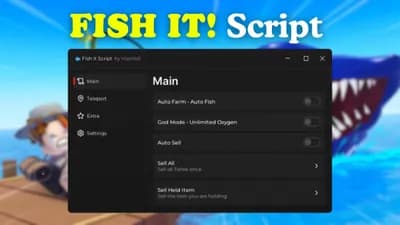
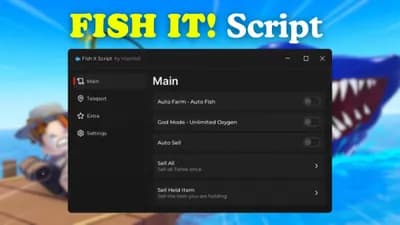
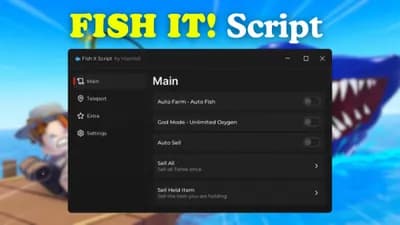
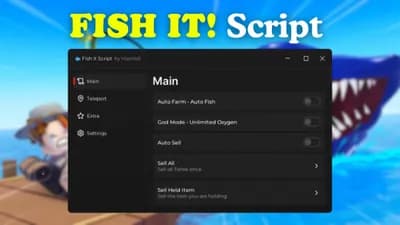
This Script boosts your progress in Fish It! 🐟 with seamless automation. It handles fishing, selling, and travel so you can level up fast without grinding.
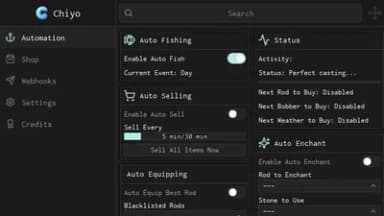
Catch fish instantly with fast auto fish using legit remote tech. Auto sell all, manual sell, and complete fish manual tools keep your inventory clean and cash flowing 💸
Teleport to players, NPCs, or specific maps with one click. Auto buy rods, bait, weather upgrades, and next rod - plus speed boost, fly mode, and anti AFK 🎯
Move across the map fast and join events instantly with auto teleport. The script runs smooth and safe with no risks to your account ⚡
Get your free key by pressing Get Key and jump in. Just load the script and start winning - no stress, just fish! 🐠
Catch fish instantly with fast auto fish using legit remote tech. Auto sell all, manual sell, and complete fish manual tools keep your inventory clean and cash flowing 💸
Teleport to players, NPCs, or specific maps with one click. Auto buy rods, bait, weather upgrades, and next rod - plus speed boost, fly mode, and anti AFK 🎯
Move across the map fast and join events instantly with auto teleport. The script runs smooth and safe with no risks to your account ⚡
Get your free key by pressing Get Key and jump in. Just load the script and start winning - no stress, just fish! 🐠
Script Code
LUA SCRIPT
loadstring(game:HttpGet("https://ashlabs.me/api/game?name=fish-it.lua", true))()Script Information & Compatibility
Target Game
Fish it
Key Requirement
Keyless (Instant)
Supported Platform
PC / Windows
Status & Safety
Community Verified
How to Execute this AshLabs - Auto Farm Auto Buy Teleport Movement Script
To run this Lua script safely and effectively in Fish it, follow these standard steps:
- Copy the Script Code: Click the Copy Code button above to save the Lua script to your clipboard.
- Launch the Game: Start Roblox and open Fish it. Wait until your character and game assets fully load.
- Attach Your Executor: Launch your preferred Lua script executor (ensure it is updated to the latest version compatible with Roblox). Click the Attach or Inject button.
- Execute the Code: Paste the copied script into your executor's code tab and press Execute. The script's graphical user interface (GUI) or features should appear on your screen.
Tip: Always test scripts on an alternate account first and avoid running multiple heavy scripts simultaneously to maintain optimal game performance.
Frequently Asked Questions
Copy the code from the code container above, open your executor inside Fish it, paste the code, and click execute.
No, this script is keyless! You can run it immediately without completing any verification checkpoints or link shorteners.
Roblox updates weekly, which can temporarily break script functions. If the script does not execute, make sure your executor is fully updated, rejoin the server, and verify that your antivirus is not blocking the injector.
Related Scripts